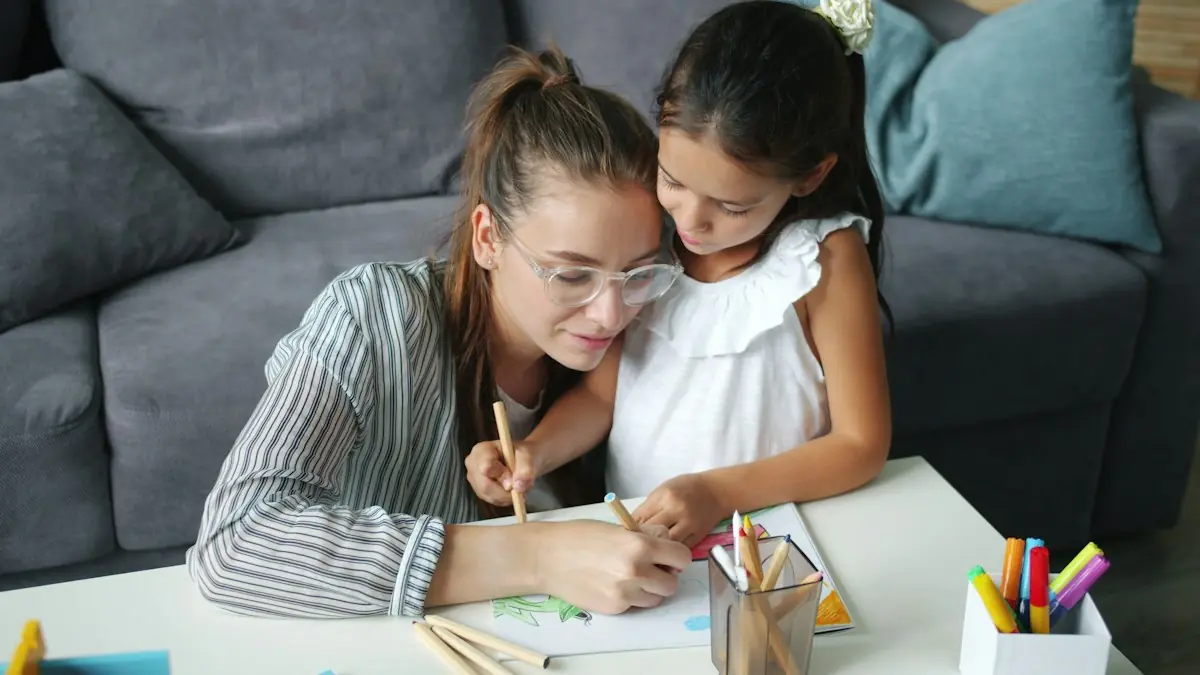
An online lesson goes well when three things are done before it starts: the tutor knows what to work on, the materials are within reach, and the technology has been tested. What happens in the ten minutes afterwards decides how much of it your child keeps.
None of this takes long. Most of it you do once and then repeat without thinking.
The day before
Tell the tutor what the lesson is for
Send a short message: the topic, what is due and when, and where your child got stuck. “Chapter 6 test on Friday, keeps losing marks on word problems” is enough. A tutor who knows this can prepare, and the first ten minutes are not spent finding out.
Gather the material
- The current homework or assignment
- The most recent test or marked work in the subject
- The textbook, or the login for the online program the class uses
- Paper, pencil and, for math and science, a calculator
Fifteen minutes before
Set up the space
A table or desk is better than a bed or sofa. Face the light rather than sitting with a window behind, so the tutor can see your child’s face. Put the phone in another room. If the house is noisy, use headphones.
Test the camera and microphone
Open the video tool the tutor uses and check that the camera and microphone work and are allowed in the browser. Position the camera so the tutor can see your child and, if possible, the page they are writing on. Join a few minutes early; the first lesson always takes longer to start than you expect.
| If this happens | Try this |
|---|---|
| The tutor cannot hear you | Check that the microphone is not muted and that the browser has permission to use it |
| The picture freezes | Close other tabs and video apps, or move closer to the router |
| You hear an echo | Use headphones, and make sure the lesson is open on only one device |
| You cannot get in at all | Message the tutor straight away so they know you are trying |
During the lesson
How close you sit depends on your child’s age. With a young child, stay in the room: you are there to manage the device and to hear what the tutor suggests. With an older child, be nearby at the start and the end and leave the middle to them. Teenagers ask more honest questions without a parent listening.
Resist answering for your child. The pause while they think is the lesson working.
The ten minutes afterwards
- Ask your child to teach you one thing. “Show me how you do one of those” tells you more than “how was it?”
- Write down what to practice. Ask the tutor for one small thing to do before next time, and put it where your child will see it.
- Decide about the next lesson while it is fresh. If there is a test coming, book ahead of it rather than the night before.
When a lesson does not go well
One flat lesson is normal, especially the first. If two in a row feel unproductive, say so to the tutor and be specific about what you hoped would happen. A good tutor will change the plan. If it still does not improve, try a different tutor: fit matters, and there is no penalty for looking for a better one.
Common questions
Should I sit in on the lesson?
For a young child, stay in the room. For an older child, be nearby for the first few minutes and the last few, and leave the middle to them and the tutor.
What equipment do we need?
A computer or tablet with a camera and microphone, a steady internet connection, and paper and pencil. Headphones help in a busy house.
How often should lessons be?
Once a week on one subject is a sensible starting point. Add a lesson before a test, and reduce them once your child is managing alone.
This guide is general information for parents. It is not an assessment of your child and does not replace advice from your child’s teacher or doctor.